
Spool
Rename files in batches
A little order goes a long way. Give a handful of files consistent names, with a preview before every change.
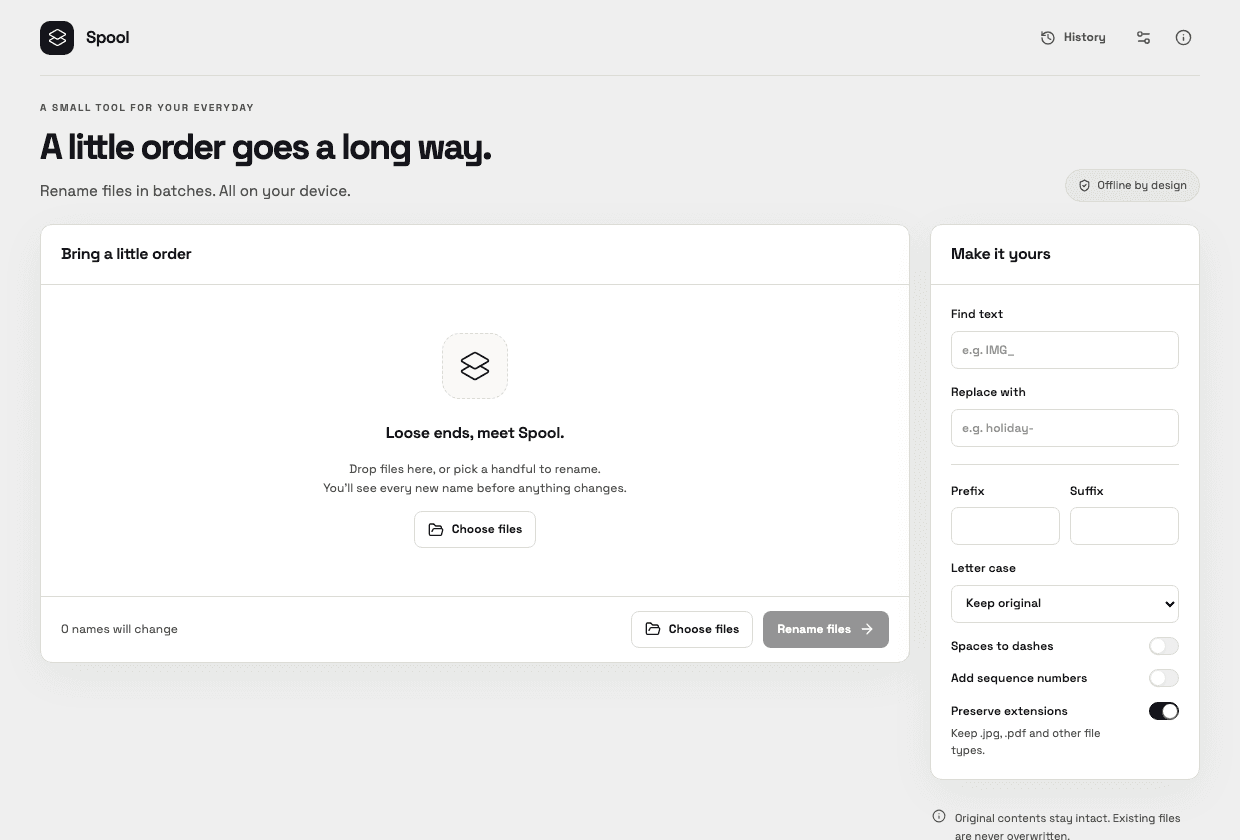
A small, useful set of features
- Replace text, change case and add prefixes or suffixes.
- Add sequence numbers and preserve file extensions.
- Block invalid filenames and collisions without overwriting other files.
- Recover interrupted batches and undo from local history.
Supported files
Selected regular files of any type
Up to 1,000 selected files. No recursive folders or symbolic links. Undo stops if a file has been edited, replaced or moved outside the recorded locations.
Get Spool
Public downloads are not available yet. The first release is being prepared.
Planned platform support
macOS 12 or newer: choose Apple Silicon for Macs with an Apple M-series chip. A separate Intel-only download is planned for older Intel Macs. Check your chip in Apple menu → About This Mac.
Windows 10/11 x64 will have both a standard installer and a full offline installer with WebView2. Platform testing is still in progress.
Your data stays yours
File contents stay on your computer. Local history stores filenames, paths and fingerprints for recovery; you can clear completed history.
Preferences stay local and can be exported or reset. Update checks use the internet only when you request them. There is no account, activation or subscription.
No tracking by default. Optional usage sharing will require your permission and can be turned off in Settings. Summaries contain usage counts, app version and platform type, never your text, images, filenames or paths. Reporting is unavailable in current development builds; no usage counts are collected or sent. Read the usage privacy notice.
Appearance follows your computer by default. Choose Light or Dark in Settings to keep your preferred look.
Changelog
- 0.1.0 development preview: filename previews, native batch renaming and recoverable history.